In summary:
- Your phone’s sensor size is far more important than megapixels for dealing with the UK’s typical flat, grey light.
- Mastering manual ISO controls is the key to eliminating grain in interior shots, especially with Dual Native ISO technology.
- Digital zoom is the fastest way to ruin a photo’s quality; always rely on your phone’s built-in optical telephoto lenses.
- Computational photography (Night Mode) is your best tool for sharp, tripod-free twilight shots, by stacking multiple images.
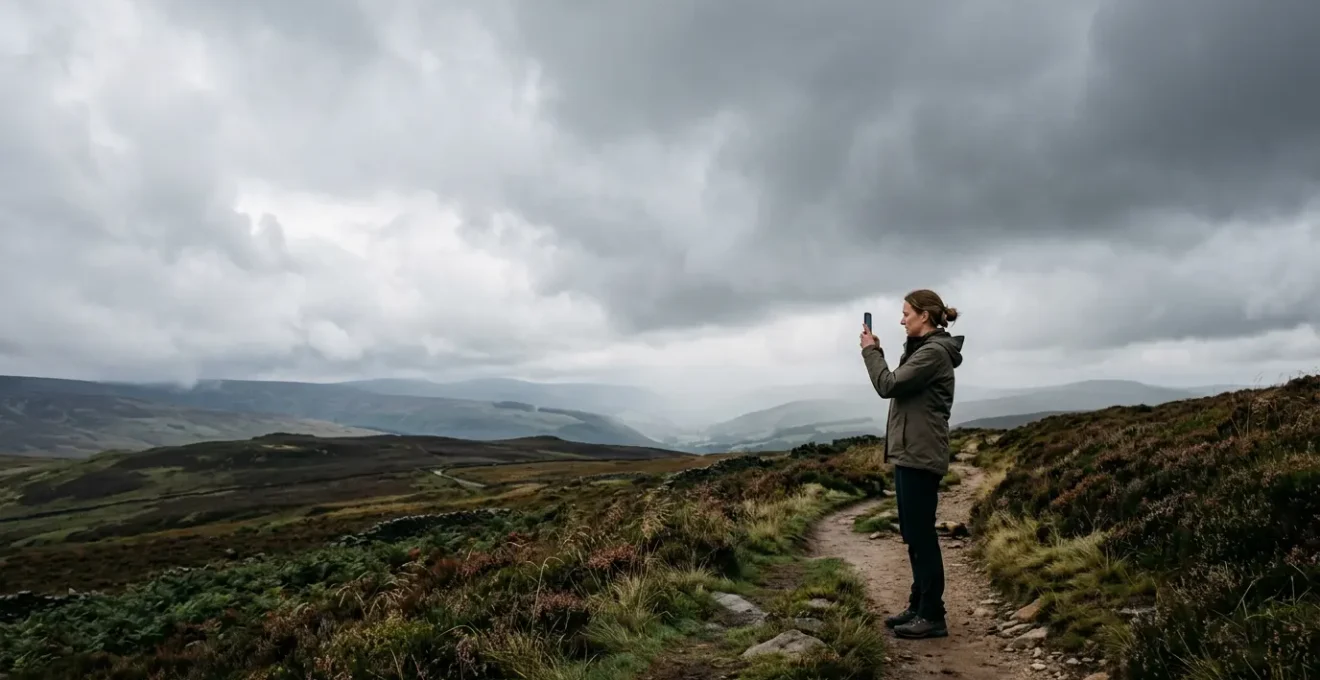
As a real estate agent in the UK, you know the familiar frustration. Another grey, overcast day, and the property photos on your phone come out looking flat, murky, and uninviting. You’ve heard all the standard advice: “find good light,” a tip that’s practically useless when the sky is a permanent, featureless softbox. You’ve tried editing, but you can’t add sharpness and detail that were never captured in the first place. This struggle directly impacts your listings’ appeal and, ultimately, your business.
The common wisdom about mobile photography often fails because it ignores the specific challenges of our climate. Many guides focus on bright, sunny conditions, offering tips that don’t apply when you’re trying to make a north-facing living room look appealing on a drizzly November afternoon. The problem isn’t your phone; it’s the technique. Most users don’t leverage the incredibly sophisticated technology already packed into their device’s camera system.
But what if the key wasn’t to fight against the grey skies, but to harness them? This guide reframes the problem. We’ll treat that diffused, overcast light as a massive, professional-grade softbox. Instead of just offering superficial tips, we’re going to dive into the trade secrets of property photography, explaining the optical science and computational power that allows you to turn this “bad” light into your greatest asset. We’ll explore why sensor physics beats marketing megapixels, how to control digital noise like a pro, and why understanding your zoom is non-negotiable.
This article will provide you with a photographer’s understanding of your mobile camera. We will break down the essential technical concepts and translate them into a practical workflow, enabling you to capture images that are not just acceptable, but sharp, compelling, and professional, regardless of the weather.
Summary: Mastering Your Mobile Camera for UK Real Estate
- Why megapixels matter less than sensor size for cloudy day photography?
- How to adjust ISO manually to reduce grain in indoor shots?
- Optical or Digital Zoom: which one ruins your property photos?
- The shirt-sleeve cleaning habit that scratches precision coatings
- What order to adjust focus and exposure for the perfect exterior shot?
- Why infinite contrast helps you spot editing errors before printing?
- Why 10-bit color recording prevents “banding” in your sunset videos?
- Mastering Night Shots: How to Get Clear Images Without a Tripod After 8 PM?
Why Megapixels Matter Less Than Sensor Size for Cloudy Day Photography
In the world of mobile photography, manufacturers have waged a “megapixel war,” leading many to believe that a higher number automatically equals a better photo. For a real estate agent shooting in the UK’s often-gloomy conditions, this is a dangerous misconception. The single most important factor for quality on an overcast day is not the megapixel count, but the physical size of the camera’s sensor. A larger sensor contains larger individual pixels (or photosites), and this is where the magic of “light harvesting” happens.
Think of each pixel as a bucket collecting raindrops. A grey day is like a light drizzle. A large bucket (large pixel on a large sensor) will collect more water (light) in a given time than a small bucket. This superior light-gathering ability directly translates to a cleaner, more detailed image with better dynamic range—the ability to capture detail in both the bright sky seen through a window and the darker corners of a room. As a leading photography education platform explains, the principle is simple. As stated by CaptureTheAtlas photography education platform:
The larger the sensor the better for optimal dynamic range and resolution.
– CaptureTheAtlas photography education platform, Camera Sensor Size in Photography – Does it Really Matter?
This is why a phone with a large 1-inch type sensor can produce vastly superior results in challenging light. In fact, research demonstrates that a 12MP camera with a large sensor consistently outperforms a 48MP smartphone with a tiny sensor in these exact conditions. The image from the larger sensor will have less digital noise (graininess) and more pleasing, natural colour rendition, which are crucial for making a property look its best. When choosing a phone for property photography, always prioritize sensor size over the headline megapixel figure.
This focus on the physics of light capture is the foundation for creating professional-looking images in any condition.
How to Adjust ISO Manually to Reduce Grain in Indoor Shots
When you step inside a property on a cloudy day, the available light drops dramatically. Your phone’s automatic mode will try to compensate by increasing the “ISO,” which is essentially the sensor’s sensitivity to light. While a higher ISO brightens the image, it comes at a cost: digital noise, or “grain.” This makes your photos look unprofessional and soft. The secret used by professionals is to take manual control of the ISO and understand how advanced sensor technology, like Dual Native ISO, works.
A standard sensor has a single “native” ISO (usually the lowest setting, like ISO 50 or 100) where it performs optimally with the least noise. Every increase from there is a digital amplification of the signal, which also amplifies the noise. However, many high-end smartphones now incorporate Dual Native ISO, a feature borrowed from cinema cameras. This technology provides the sensor with two separate, optimized circuits for sensitivity—one for bright light (e.g., ISO 100) and a second one for low light (e.g., ISO 800 or 1250). When you cross the threshold to the second native circuit, the system effectively “resets” the noise level, giving you a much cleaner image than a digitally-boosted intermediate ISO would.
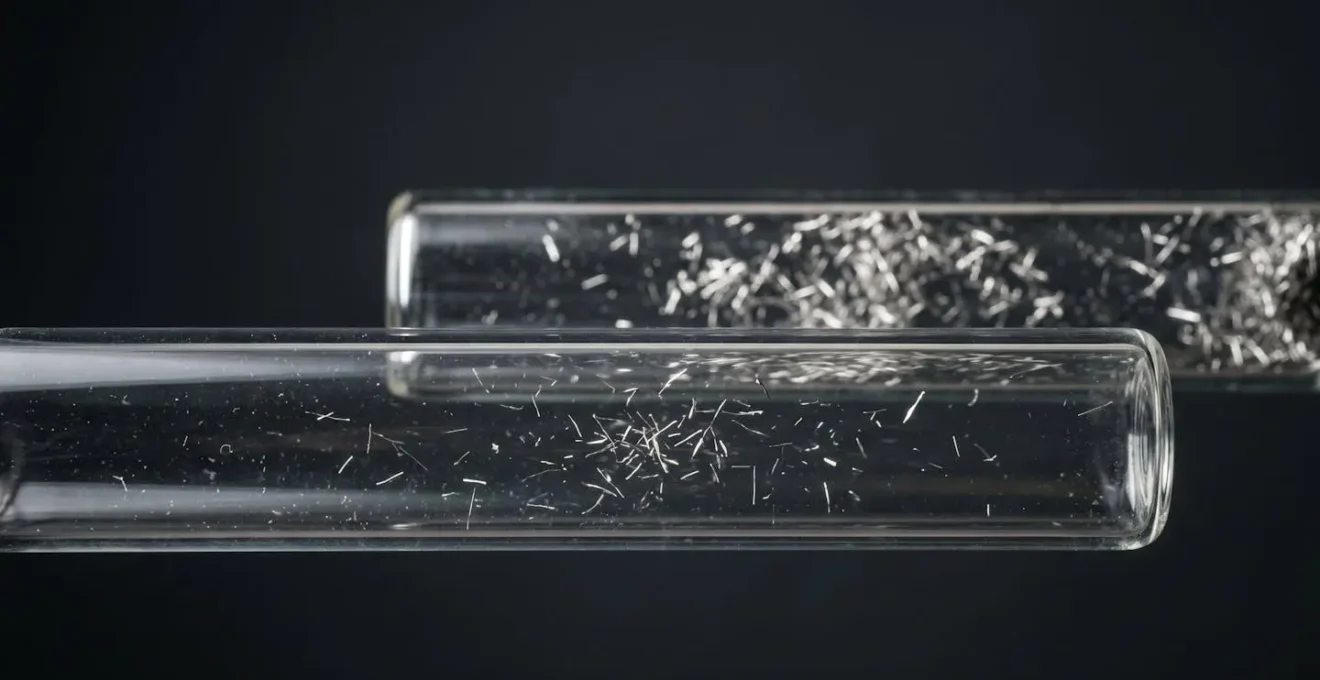
This visual metaphor helps to understand the two distinct pathways for the signal, one cleaner than the other. Knowing your phone’s specific Dual Native ISO values (a quick search online for your model will reveal them) is a powerful “trade secret.”
Case Study: The Dual Native ISO Advantage
Professional camera tests show the dramatic impact of this technology. An image shot at ISO 1000 might display significant, distracting noise. However, by simply increasing the setting to ISO 1250—the point where the second native circuit engages—the resulting image is drastically cleaner. According to analysis of this system, the gain curve is reset, meaning an ISO of 1250 on a Dual Native system can look as clean as a much lower ISO on a standard sensor. For property interiors, this means you can get bright, sharp shots without unsightly grain by intentionally using these higher native ISO “sweet spots.”
By moving beyond automatic settings and leveraging your phone’s specific hardware capabilities, you take control of the image quality at the sensor level.
Optical or Digital Zoom: Which One Ruins Your Property Photos
You’re standing across the street, trying to frame the perfect exterior shot of a property, but it’s too far away. Your instinct is to “pinch-to-zoom” on your phone’s screen. This is one of the most destructive habits in mobile photography. It’s essential to understand that your phone likely has two very different types of zoom, and choosing the wrong one will ruin your image’s optical integrity. The choice is between optical zoom, which uses physical lenses, and digital zoom, which is merely a software crop.
Digital zoom is not zoom at all. When you use it, the phone’s software is simply taking the central portion of the image from the sensor and enlarging it to fill the screen. This process discards the majority of the original pixel data and stretches what’s left, leading to a massive loss of sharpness, detail, and clarity. The resulting image is blurry, pixelated, and looks unprofessional. For a real estate agent, who needs to showcase the fine details of a property, digital zoom is the enemy.
Optical zoom, and the related telephoto or periscope lenses on modern high-end phones, use real glass elements that move to magnify the image *before* it ever hits the sensor. This preserves the full resolution and detail of the subject. Most modern flagship phones don’t have a single “zoom lens” but rather a collection of prime lenses (e.g., a wide, a standard, and a telephoto). As a technical analysis from Wikipedia highlights:
Almost all smartphones feature a collection of prime lenses interpolated by digital zoom, whereas only a few smartphones include a true zoom lens that offers continuous optical zoom.
– Wikipedia technical analysis, List of longest smartphone telephoto lenses
The key is to tap the on-screen buttons (e.g., .5x, 1x, 3x, 5x) to switch between these physical lenses. These are your optical settings. Any magnification level in between these numbers is a “hybrid” or purely digital zoom, which should be avoided. The following table breaks down the differences.
| Zoom Type | Technology | Image Quality | Best Use Case |
|---|---|---|---|
| Optical Zoom | Physical lens movement to magnify images | Maintains original quality throughout zoom range | Professional photography, detail capture |
| Digital Zoom | Crops and enlarges pixels | Reduces image sharpness and detail | Emergency situations only |
| Telephoto (2x-5x) | Dedicated sensor with longer focal length | True optical magnification at specific levels | Portraits, distant subjects |
| Periscope (5x-10x) | Prism system folds light path sideways | Optical quality at high magnification | Architecture, distant details |
| Hybrid Zoom | Combines optical zoom with computational photography | Better than pure digital, not as sharp as optical | Extended range when optical limit reached |
Always “zoom with your feet” by moving closer when possible, and when you can’t, use only the dedicated telephoto lens presets on your phone.
The Shirt-Sleeve Cleaning Habit That Scratches Precision Coatings
You’re about to take a shot and notice a fingerprint on your phone’s camera lens. The instinctive reaction is to grab the corner of your shirt or a tissue and give it a quick wipe. This common habit is actively destroying the quality of your photos by degrading the lens’s most delicate and important feature: the oleophobic coating. This microscopic, oil-repellent layer is applied at the factory to help resist fingerprints and smudges, making them easy to wipe away.
When you use an abrasive material like a cotton shirt, a paper towel, or even a rough cloth, you are essentially sandpapering this precision coating off the lens. Dust and microscopic grit trapped in the fabric create fine scratches, permanently damaging the surface. While the glass itself is tough, the coating is not. Once it’s worn down, the lens becomes a magnet for grease and smudges, which are harder to clean and significantly reduce image contrast and sharpness, causing lens flare and a hazy, soft look in your photos. While designed to last, this coating is fragile; in fact, industry data reveals that with misuse, an oleophobic coat can wear out within months instead of its typical two-year lifespan.
Preserving this coating is critical for maintaining the optical integrity of your camera system. The professional method for cleaning a lens is a gentle, multi-step process that avoids direct, abrasive contact whenever possible. Following the correct procedure ensures you remove contaminants without harming the delicate coatings that are essential for crisp, high-contrast images.
To safely clean your lens and protect its coatings, follow this professional workflow:
- Blow, Don’t Wipe: Use a can of compressed air or a rubber air blower to remove all loose dust and larger particles first. This prevents you from grinding abrasive debris into the lens surface.
- Brush Gently: For any stubborn particles that remain, use an extremely soft-bristle brush, like one made from camel hair, designed specifically for camera optics. Use a delicate flicking motion to dislodge the dust.
- Wipe Correctly: Only as a last resort for grease or smudges, apply a single drop of a dedicated lens cleaning solution to a clean, high-quality microfiber cloth (never apply fluid directly to the lens). Wipe the lens using gentle, circular motions, starting from the center and spiraling outwards.
Treat your phone’s camera lens with the same care as you would a high-end DSLR lens; the financial return on the quality of your property listings depends on it.
What Order to Adjust Focus and Exposure for the Perfect Exterior Shot
You’ve framed the perfect exterior shot of a property. The composition is strong, but the sky is bright and the building is a bit dark. Many users will simply tap the screen on the building to focus and expose, but this often leads to a compromised result. To achieve a truly professional-looking image, you need to separate the actions of focusing and exposing. The secret lies in a deliberate, two-step process of intentional exposure adjustment.
First, understand that your focus point and your exposure point do not have to be the same. Most smartphone camera apps, especially in “Pro” mode, allow you to lock them independently. This gives you enormous creative control. The correct order of operations is crucial for ensuring both sharpness and balanced light. Always set your focus first. Your primary goal is a tack-sharp image of the property itself. Tap on the main facade of the building and lock the focus (usually by a long-press until a lock icon appears). Once the focus is locked, it won’t change, no matter where you meter for exposure.
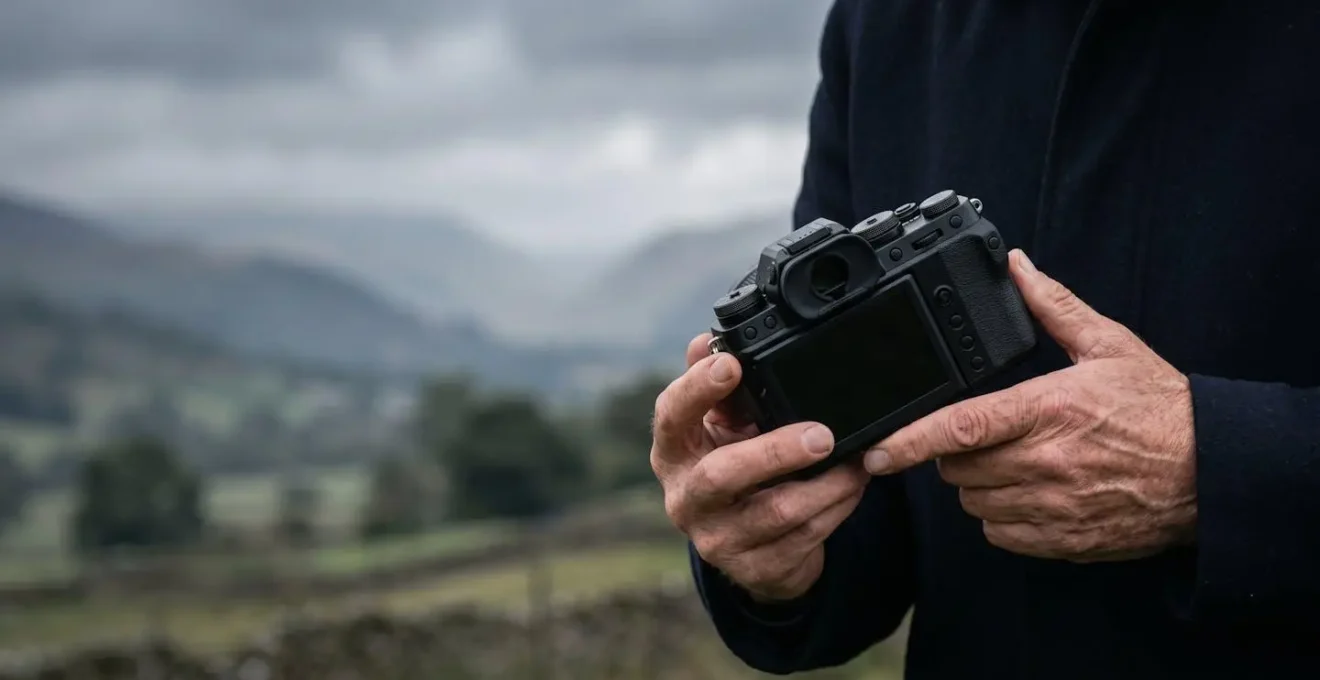
With focus secured on the property, you can now adjust the exposure. Your phone is no longer trying to guess what’s important. You can now slide the exposure compensation dial (often a sun icon) up or down. Your goal is to find the sweet spot where the building is well-lit without blowing out the highlights in the grey sky. A slightly dark but detailed sky is always better than a pure white, overexposed one. This two-step process—Lock Focus, then Adjust Exposure—is a cornerstone of professional mobile photography, giving you a level of control that the simple “tap-to-shoot” method can’t match.
Your Pre-Shot Sharpness Audit
- Focus Lock: Have I tapped on the most important architectural detail of the property and locked the focus to ensure it’s tack-sharp?
- Exposure Check: Have I adjusted the exposure slider independently to balance the light on the building without completely blowing out the sky?
- Lens Cleanliness: Have I performed the three-step clean (blow, brush, wipe) to ensure there are no smudges or dust degrading the image?
- Stability: Am I bracing my hands and arms against my body or a solid object to minimize handshake, especially in lower light?
- Optical Zoom: Have I selected a true optical lens (e.g., 1x or 3x) and completely avoided digital or hybrid zoom for maximum detail?
By making this sequence second nature, you guarantee that every photo you take is as sharp and well-exposed as possible.
Why Infinite Contrast Helps You Spot Editing Errors Before Printing
After a day of shooting, the work continues in the editing suite—or more likely, on your phone or laptop. As a real estate agent, you need to ensure the colours are accurate and the details are crisp before you upload to a property portal or send to a print brochure. This is where having a phone with an OLED or AMOLED screen offers a significant professional advantage, thanks to a concept called “infinite contrast.”
Traditional LCD screens use a single backlight that shines through all the pixels. To display black, the screen’s liquid crystals must try to block this light, but some light always leaks through, resulting in a dark grey, not a true black. This can hide a multitude of editing sins, such as muddy shadows, crushed blacks, or uneven colour gradients in dark areas. You might not see these errors on your screen, but they will be glaringly obvious when printed or viewed on a different device.
OLED (Organic Light-Emitting Diode) technology works fundamentally differently. There is no backlight. Each individual pixel is its own tiny light source. To display black, the pixel simply turns off completely. As technical experts from Dave Morrow Photography note in their analysis:
Because each pixel is its own light source, a black pixel is truly ‘off’, creating a perfect black.
– Technical analysis by optical sensor experts, Camera Sensor Size & Image Quality Guide
This ability to produce a perfect black next to a brightly lit pixel is what creates “infinite contrast.” For editing property photos, this is a game-changer. It allows you to see with absolute clarity what is happening in the darkest parts of your image. You can instantly spot if you’ve pushed the shadows too far, revealing noise, or if a colour adjustment has created an unnatural cast in a dimly lit corner. This pixel-level precision ensures that what you see on your screen is a much more accurate representation of the final image file, preventing costly and unprofessional-looking mistakes in your final marketing materials.
Choosing a device with an OLED display is an investment in the accuracy and quality of your post-production work.
Why 10-bit Color Recording Prevents “Banding” in Your Property Videos
While photos are crucial, property video tours are increasingly important for listings. One of the most common signs of an amateur video is “colour banding,” especially noticeable in shots with smooth gradients of colour, like a plain painted wall under shifting light or the sky during a “golden hour” exterior shot. Banding appears as ugly, distinct steps or blocks of colour where there should be a seamless transition. This is a direct result of insufficient colour information, a problem solved by a feature called 10-bit colour recording.
Most standard videos are recorded in 8-bit colour. This means the camera captures 256 different shades for each of the three primary colour channels (red, green, and blue). This allows for a total of approximately 16.7 million possible colours. While that sounds like a lot, it’s often not enough to describe the subtle tonal variations in a smooth gradient, forcing the camera to create those visible “steps.”
High-end smartphones can now record in 10-bit colour. Instead of 256 shades per channel, a 10-bit system captures 1,024 shades. This might not sound like a huge leap, but because the total colours are calculated exponentially (1024x1024x1024), the difference is enormous. As technical specifications show, 8-bit color offers 256 shades per channel (16.7 million total colors) while 10-bit offers 1,024 shades per channel, resulting in a staggering 1.07 billion total colours. This massive increase in colour information gives the camera far more data to work with when describing a smooth gradient.
The result is a complete elimination of banding. The transitions from light to dark on a wall, or from orange to blue in a twilight sky, are rendered with buttery smoothness. For a real estate agent, this elevates the perceived production value of a property tour immensely. It makes the video feel more cinematic, luxurious, and professional, subtly communicating the quality of the property itself. When you are looking to produce high-quality video content, enabling 10-bit colour in your camera settings is a non-negotiable first step for a premium result.
It’s a simple toggle in your settings that dramatically separates your content from the competition.
Key takeaways
- On grey days, prioritize a phone with a large sensor over one with a high megapixel count for cleaner, more detailed photos.
- Take manual control of ISO, using your phone’s Dual Native ISO “sweet spots” to dramatically reduce grain in interior shots.
- Never use digital zoom. Stick exclusively to your phone’s fixed optical lenses (e.g., 1x, 3x) to maintain image sharpness and integrity.
Mastering Night Shots: How to Get Clear Images Without a Tripod After 8 PM
Capturing a “hero shot” of a property at twilight, with warm interior lights glowing against a deep blue sky, is a classic real estate marketing technique. Traditionally, this required a DSLR camera and a sturdy tripod to handle the long exposure times. However, modern smartphones can now achieve stunningly sharp handheld night shots thanks to a process called computational photography. Understanding how this technology works allows you to ditch the tripod and still get crisp, compelling images.
When you activate your phone’s “Night Mode,” you are not taking a single long exposure. Doing so handheld would result in a blurry mess. Instead, the phone is leveraging a sophisticated process that combines hardware and artificial intelligence. It captures a rapid burst of dozens of short-exposure shots over a few seconds. The phone’s Optical Image Stabilization (OIS) hardware records the tiny movements of your hands during this process, allowing the software to precisely align all the individual frames on top of each other. This is the first step: burst stacking.
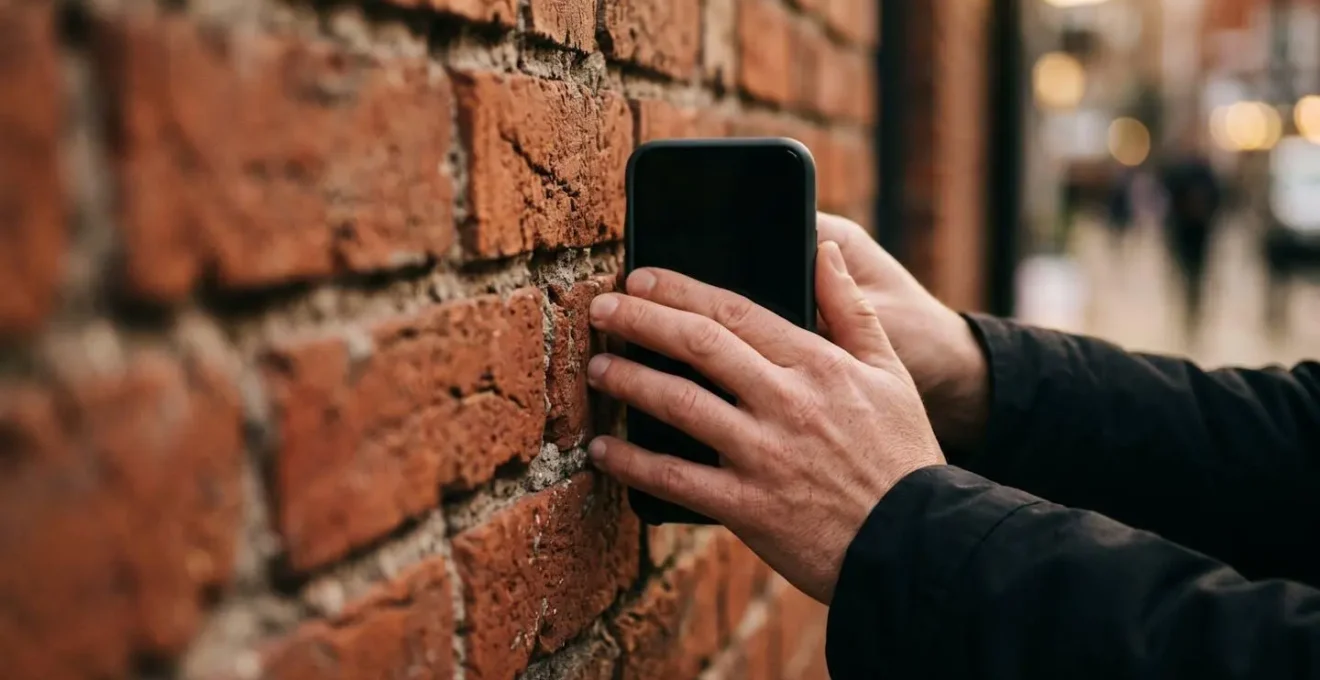
The real magic happens next. The AI performs what is known as “Semantic Segmentation,” intelligently identifying the different elements within the scene. It knows what is sky, what is a building, what is a person, and what is a light source. It then processes each of these regions independently: aggressively reducing noise in the smooth sky, preserving the sharp details in the brickwork, protecting the highlights in bright window lights from blowing out, and gently brightening any shadowed areas. This intelligent, multi-layered processing is the secret to a balanced and clean final image.
Case Study: The Computational Raw Advantage
The power of this “computational raw” process allows for what is effectively a 4-second handheld exposure with sharp results that would be impossible with traditional methods. According to an analysis of modern night modes, this combination of burst stacking with OIS data and semantic segmentation is what enables the phone to separate subject detail from handshake motion and sensor noise, creating a final image that is clear, detailed, and vibrant. The key to making this work is to hold the phone as steady as possible, bracing your arms against your body or resting the phone on a solid surface like a wall or fence post to give the OIS system the best possible starting point.
Apply these techniques on your next listing to create a “hero shot” that stops potential buyers in their tracks and makes your property stand out.