
The key to clear calls on a noisy site isn’t just noise cancellation; it’s a complete auditory safety system that protects your hearing while ensuring perfect clarity.
- Effective noise blocking requires a hybrid approach: passive isolation for sharp sounds and active cancellation (ANC) for constant, low-frequency rumbles.
- Maintaining a stable Bluetooth connection amidst heavy machinery interference is about strategic placement and minimising radio frequency conflicts.
Recommendation: Prioritize professional-grade headsets with built-in volume limiters to prevent the most common cause of hearing damage: turning up the volume to overcome background noise.
You’re in the middle of a critical client call, coordinating a delivery, when a nearby jackhammer roars to life. You shout into your headset, the client strains to hear you, and vital details are lost. This frustrating—and potentially costly—scenario is a daily reality on construction sites. The common advice is simply to “get a noise-canceling headset,” but as an audiologist specializing in occupational hearing, I can tell you the problem is far more complex. Simply blocking noise isn’t enough; you can still damage your hearing and suffer from misunderstood communications.
The real challenge isn’t just about technology, but about behaviour and environment. Workers often unknowingly commit “compensatory volume creep,” cranking up their headset volume to dangerous levels to drown out the site noise, leading to long-term tinnitus and hearing loss. Furthermore, the high-interference environment of a construction site, filled with metal structures and high-power equipment, wages a constant war on your Bluetooth signal, causing dropouts at the worst possible moments.
The solution is not to find a single “magic” headset, but to adopt an auditory safety system. This is a holistic approach that combines the right type of technology, correct usage procedures, and an understanding of the acoustic environment. It’s a strategy that protects your most valuable asset—your hearing—while ensuring every word from your client, your team, and your suppliers is heard with crystal clarity.
This guide will walk you through the essential components of this system. We will dissect the technology, from different types of noise cancellation to maintaining signal integrity. We will cover the critical safety considerations, including hard hat compatibility and the volume mistakes that lead to permanent damage. Finally, we’ll establish communication protocols that eliminate errors and transform your site’s operational efficiency.
Summary: An Audiologist’s Framework for Clear, Safe Communication on Construction Sites
- Active vs Passive Cancellation: which actually blocks out a jackhammer?
- How to prevent Bluetooth dropouts when interference from heavy machinery is high?
- Over-ear vs In-ear: which is safer when wearing a hard hat?
- The volume mistake that causes tinnitus even when wearing a headset
- What order to turn on devices to ensure the headset grabs the call priority?
- Why haptic feedback is more reliable than ringtones near a generator?
- How to organize your tool belt to protect your mobile device effectively?
- Communication on Noisy Construction Sites: How to Reduce Misunderstandings and Errors?
Active vs Passive Cancellation: which actually blocks out a jackhammer?
To block out a jackhammer, you need both. It’s a common misconception that Active Noise Cancellation (ANC) is a cure-all. In reality, the most effective headsets for industrial environments use a hybrid approach. Passive Noise Reduction (PNR) is your first line of defense. This is a physical barrier, created by the tight seal of over-ear cups or well-fitted in-ear tips. PNR is excellent at blocking high-frequency, sharp, and irregular sounds—like the clang of dropped steel or a warning shout.
Active Noise Cancellation (ANC), on the other hand, is a technological solution. It uses microphones to listen to ambient sound and generates an inverse sound wave to cancel it out. However, this is most effective against constant, low-frequency drones. Think of the deep rumble of a diesel generator, the hum of an excavator, or the roar of an engine. Research confirms that noise cancellation is highly efficient in the low- and mid-frequency bands below 1,000 Hz, which is precisely the range of most heavy machinery.
So, to deal with a jackhammer, which produces both a low-frequency rumble (the motor) and high-frequency impacts (the bit hitting concrete), you need a system that does both. The headset’s physical earcups (PNR) block the sharp impact sounds, while the internal electronics (ANC) cancel out the monotonous engine drone. Without a good passive seal, ANC is largely ineffective, as high-frequency sounds will leak in and overwhelm the system. Therefore, a proper fit is the most critical starting point for any heavy-duty headset.
How to prevent Bluetooth dropouts when interference from heavy machinery is high?
Bluetooth dropouts on a construction site are not just annoying; they’re a safety and productivity risk. The primary culprits are radio frequency (RF) interference and physical obstruction. A construction site is an RF warzone, with heavy machinery generating significant electromagnetic noise. Additionally, large metal structures, rebar, and even the human body can block or reflect the 2.4GHz Bluetooth signal.
Preventing dropouts requires a strategic approach to maintaining signal integrity. First, leverage Bluetooth’s natural advantage: its 2.4GHz frequency is generally less susceptible to the low-frequency electrical noise (under 500MHz) generated by most industrial equipment. The key is to minimize competition in its own frequency band. The biggest competitor is often Wi-Fi. If your site has a Wi-Fi network, coordinating with your IT team to ensure it operates primarily on the 5GHz band can free up the 2.4GHz spectrum for your critical communication devices.
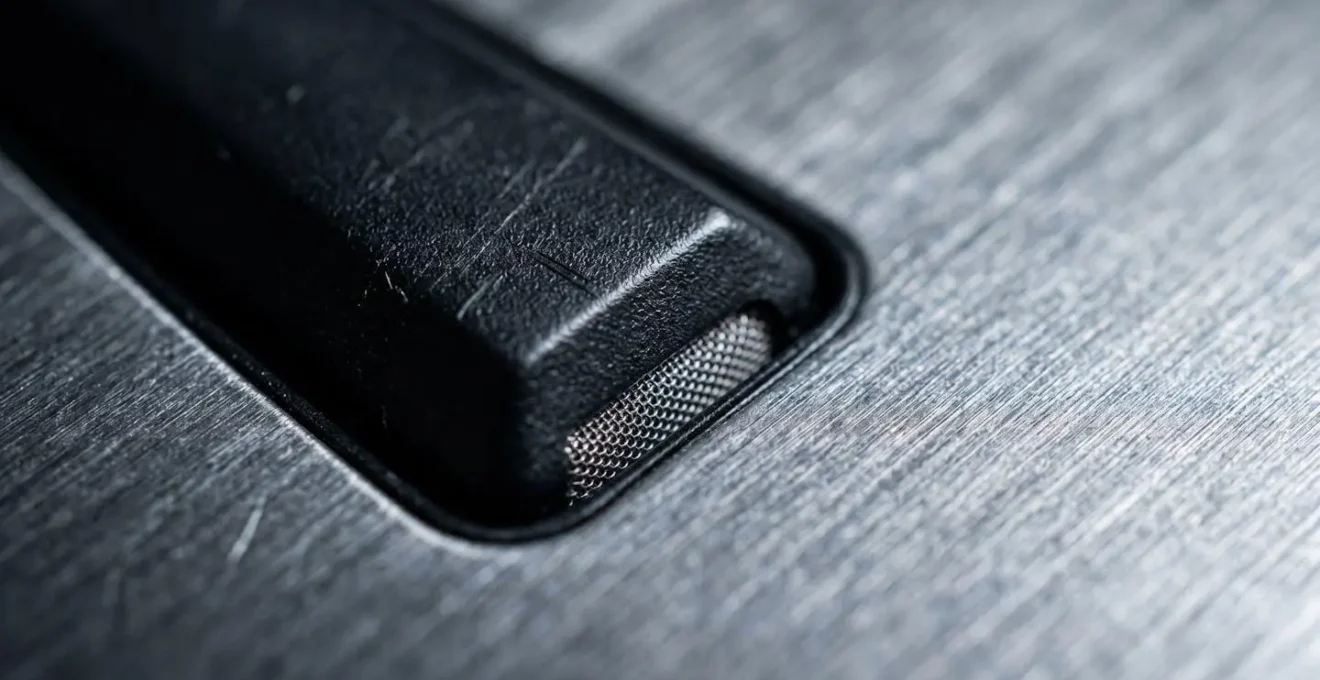
Second, you must manage physical obstructions. The most common cause of a weak signal is “body blocking,” where your own body absorbs the radio waves. Always try to keep a clear line of sight between your phone and your headset. This often means wearing your phone in a pouch on the same side of your body as the headset’s main receiver/antenna. Finally, simplify the connection. Multipoint pairing, which connects your headset to two devices at once (e.g., phone and tablet), can be a liability in high-interference zones. It forces the headset to constantly “hunt” for signals, increasing the risk of dropouts. In critical environments, dedicate the headset to a single, essential device.
Your Action Plan: Minimizing Bluetooth Interference
- Conduct a site RF audit: Map ‘Red Zones’ near generators, large metal structures, and welding stations, and identify ‘Green Zones’ with clearer signal paths for critical calls.
- Optimize phone placement for line-of-sight: Position your phone on the same side of your body as the headset’s main receiver (typically a tool belt front pouch) to minimize the body-blocking effect.
- Coordinate with IT to shift Wi-Fi to 5GHz: Request that site Wi-Fi networks use the 5GHz band to reduce radio interference for your essential communication devices.
- Disable multipoint pairing in high-interference zones: Connect the headset to your work phone only, which stops the headset from constantly hunting for signals and increases connection stability.
Over-ear vs In-ear: which is safer when wearing a hard hat?
When it comes to safety under a hard hat, the clear winners are in-ear and bone conduction headsets, not traditional over-ear models. The reason has little to do with audio and everything to do with certified safety integrity. A hard hat’s effectiveness is governed by strict standards; hard hats meet the ANSI/ISEA Z89.1 standard, and attaching any unapproved accessory can compromise its protective rating and void its certification.
Traditional over-ear headsets create a dangerous compatibility problem. Placing large earcups between your head and the hard hat’s suspension system breaks the secure fit, making the hard hat unstable and likely to fall off during an impact or sudden movement. While some manufacturers offer certified hard-hat-mounted earmuffs, attaching a non-certified, consumer-grade over-ear headset is a significant safety violation. In-ear headsets, by contrast, sit entirely within the ear canal, creating no interference with the hard hat’s fit or suspension system. They allow the hard hat to be worn exactly as intended by the manufacturer, preserving its full safety rating.
Bone conduction headsets are another excellent and safe alternative, as they sit in front of the ear and leave the ear canal completely open, ensuring no interference with the hard hat while also maintaining full situational awareness of ambient sounds. From a hygiene perspective in a dusty environment, over-ear foam cups can become a breeding ground for bacteria and are difficult to clean. In-ear silicone tips are easier to sanitize, though improper maintenance can pose its own risks. Bone conduction, with no ear canal contact, presents the lowest hygiene challenge.
The following table breaks down the critical factors to consider when choosing a headset for a hard hat environment.
| Factor | Over-Ear Headsets | In-Ear Headsets | Bone Conduction |
|---|---|---|---|
| Hard Hat Balance | Added weight can shift center of gravity, increasing risk of hard hat displacement during rapid head movements | Minimal weight, no impact on hard hat balance | Lightweight, no interference with hard hat fit |
| Hygiene & Maintenance | Foam ear cups difficult to clean in dusty environments, harbor bacteria | Silicone tips easy to clean but higher infection risk if improperly maintained | No ear canal contact, lowest infection risk |
| Hard Hat Integration | Requires certified attachment systems (e.g., MSA P3E mounts, 3M universal slots) to maintain ANSI safety rating | No integration needed, worn independently under hard hat | No integration needed, leaves ear canal open |
| Situational Awareness | Blocks ambient sound, reduces awareness of site hazards | Blocks ambient sound, reduces awareness of site hazards | Leaves ear canal open for full environmental awareness while delivering audio |
| ANSI Rating Impact | Non-certified attachment can compromise hard hat safety rating | No impact on hard hat certification | No impact on hard hat certification |
The volume mistake that causes tinnitus even when wearing a headset
The single most dangerous mistake a worker can make is falling into the trap of “compensatory volume creep.” This is the instinctive reaction to turn up the headset volume to overcome loud background noise. Even with a noise-canceling headset, if the incoming call audio isn’t perfectly clear, the user will increase the volume until it is. This act directly exposes the inner ear to dangerously high decibel levels, creating a direct path to permanent, noise-induced hearing loss (NIHL) and tinnitus.
From an audiology perspective, this is the hidden threat. A manager might feel protected because the headset is blocking external noise, but they are simultaneously creating an acoustic environment inside their ear that is just as harmful. The National Institute for Occupational Safety and Health (NIOSH) sets the Recommended Exposure Limit (REL) at an average of 85 dBA over an eight-hour workday. Every small increase in your headset volume to hear a muffled voice better can push your total noise dose well over this critical safety threshold.
As researchers from the National Institutes of Health have pointed out, the risk is significant and accumulates over time.
Permanent hearing loss may develop as a result of noise exceeding 89 dB A for more than five hours a week.
– National Institutes of Health researchers, Noise Induced Hearing Loss and Tinnitus
This is why professional-grade industrial headsets are not just about noise cancellation; they are about dose management. Advanced systems incorporate built-in volume limiters and real-time dosimetry. These technologies ensure that the maximum volume output *inside the ear cup* never exceeds a safe level, typically around 82 dB(A), regardless of how high the user tries to set it. This active dose-limiting technology is the only reliable way to prevent compensatory volume creep and protect workers’ hearing over the long term. It is a non-negotiable feature for any true occupational headset.
What order to turn on devices to ensure the headset grabs the call priority?
To ensure your headset reliably takes priority for a call, you must follow a deliberate “pre-flight checklist” that establishes a clear master-slave relationship between your devices. The goal is to make the phone the undisputed “master” device and the headset the ready-and-waiting “slave.” In a world of automatic connections to cars, laptops, and other devices, failing to establish this hierarchy is the primary reason a call goes to your pocket instead of your ear.
The sequence is simple but must be followed precisely, especially before starting your workday or after a lunch break. Think of it as a deliberate Bluetooth handshake. Powering on the headset first allows it to enter a “listening” state. Unlocking your phone and having it active in your hand signals to the Bluetooth protocol that this is the primary device you are interacting with. Only then, once this pairing hierarchy is firmly established, should you initiate or answer a call. This prevents the phone from mistakenly routing the audio to another previously paired device that might be in range, like the stereo in your parked truck.
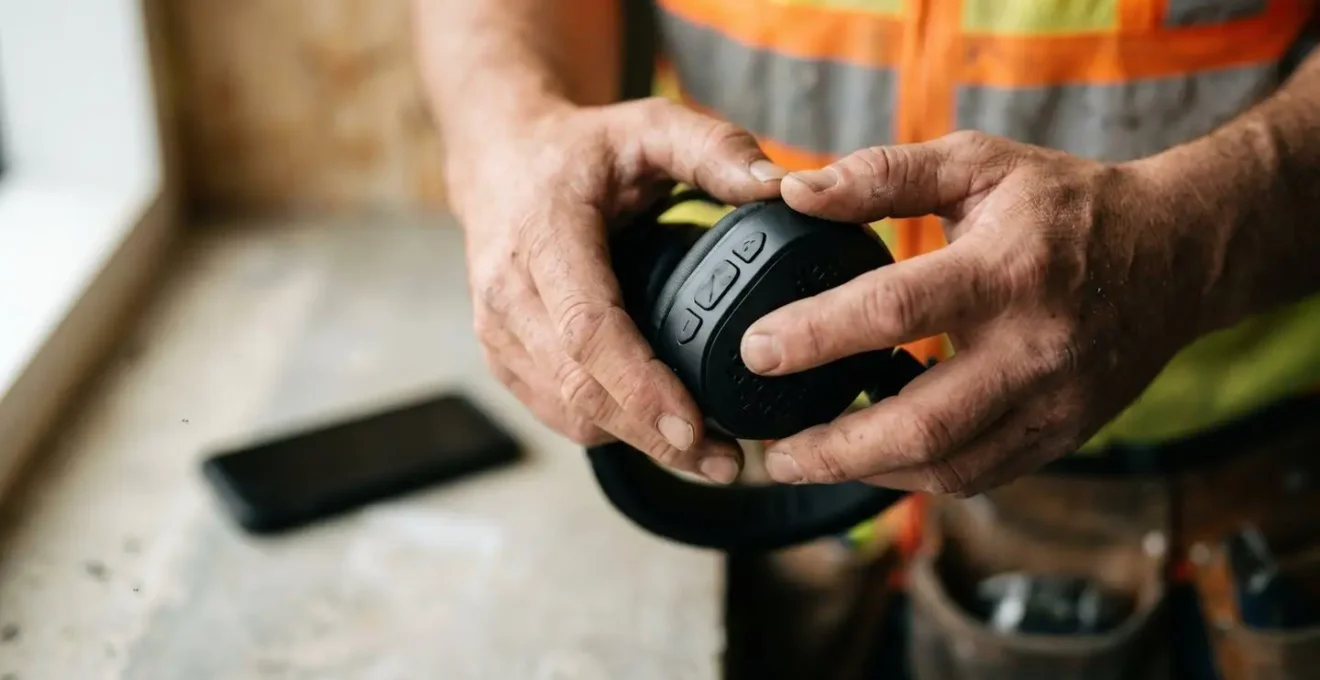
This simple, three-step ritual can eliminate one of the most common and frustrating sources of communication failure on a job site. It takes only a few seconds but can save minutes of fumbling and missed information during a critical call. Make it a non-negotiable habit.
Your 3-Step Bluetooth Handshake Checklist
- Step 1: Headset ON and in ears – Power on your wireless headset first and ensure it’s properly positioned on your head. This establishes the headset as the ‘listening’ device waiting for a connection.
- Step 2: Phone UNLOCKED and in hand – Unlock your work phone and hold it in your hand to ensure it’s the active device. This forces the phone to act as the ‘master’ device in the Bluetooth pairing hierarchy.
- Step 3: Initiate or Answer call – Only after completing steps 1 and 2 should you place or answer a call. This sequence ensures the headset captures call priority rather than competing devices.
Why haptic feedback is more reliable than ringtones near a generator?
Near a running generator, a traditional ringtone is functionally useless. This is due to a phenomenon called “auditory masking.” The loud, constant, low-frequency noise of the generator effectively “masks” or drowns out other sounds in a similar frequency range, including the tones from a phone or headset. Your brain and ears simply cannot distinguish the ringtone from the overwhelming background noise. Even the loudest ringtone will be perceived as part of the ambient roar.
Haptic feedback, or vibration, is more reliable because it bypasses the auditory channel entirely. It is a tactile notification, not an acoustic one. You don’t hear it; you feel it. This is a critical distinction in a 90dB+ environment. While your ears are being saturated with noise, your sense of touch is not. A strong vibration from a headset or a paired smartwatch provides a clear, unmistakable signal that a call is coming in, cutting through the auditory clutter in a way no sound ever could.
Furthermore, relying on haptics helps combat the Lombard effect, which is our natural tendency to talk louder in noisy environments. When you can’t even hear your own ringtone, your cognitive load increases, and you enter a call already stressed. A silent, tactile alert allows you to prepare for the call calmly. In an effective auditory safety system, sound is reserved for the communication itself, while notifications are handled by touch. This separation of signals reduces mental fatigue and ensures you never miss a critical call because you couldn’t hear it ring.
How to organize your tool belt to protect your mobile device effectively?
Organizing your tool belt to protect your mobile device is about more than just preventing cracks and scratches; it’s a critical component of maintaining communication integrity. The placement of your phone affects both its physical safety and its Bluetooth signal reliability. The wrong pouch can lead to a shattered screen or, just as costly, a dropped client call at a critical moment.
First, dedicate a specific pouch exclusively for your phone. This should be a soft-lined, padded pouch, ideally with a secure flap or zipper to protect against dust, moisture, and accidental falls. Never place your phone in a pouch with other tools. A single stray screw, utility knife, or hammer tap can destroy a screen. This pouch should be positioned on the front or side of your tool belt, away from areas of high impact or pressure, like your lower back, where it could be crushed when leaning against a wall or sitting down.
Second, placement is crucial for signal integrity. As discussed earlier, your body is a significant blocker of Bluetooth signals. To minimize this, the phone pouch should be on the same side of your body as your headset’s primary receiver (often the right side for many models). This creates the shortest, most direct line-of-sight path for the radio signal, dramatically reducing the chances of dropouts caused by body-blocking. Avoid placing the phone in a back pocket or in a pouch on your opposite hip, which forces the signal to travel through your torso, severely weakening it.
Key Takeaways
- System, Not Gadget: Effective communication in noise requires a complete system: hybrid noise control, stable connections, and safe procedures—not just one expensive headset.
- Volume Is Not the Solution: The most critical safety feature is a built-in volume limiter that prevents “compensatory volume creep” and protects against long-term, irreversible hearing damage.
- Procedure Trumps Technology: Simple habits like the 3-step pairing sequence and using closed-loop communication protocols have a greater impact on clarity and safety than any single feature.
Communication on Noisy Construction Sites: How to Reduce Misunderstandings and Errors?
Ultimately, even the most advanced headset is only a tool. The final piece of the auditory safety system is procedural discipline. To truly reduce misunderstandings and costly errors, you must implement communication protocols that enforce clarity. The most powerful of these is Closed-Loop Communication, a principle borrowed from aviation and military operations where mistakes are catastrophic.
The protocol is simple: The sender gives a clear, concise instruction. The receiver must then repeat that instruction back, word for word. The sender then confirms with a simple “correct” or “that’s right.” This loop closes the circle of communication, ensuring the message sent was the message received, eliminating any ambiguity or assumption. Making this a mandatory rule on site, especially for critical tasks like crane operations or concrete pours, can drastically reduce material waste and rework.
Another powerful protocol is the “Sterile Cockpit Rule.” During critical phases of work, all headset communication is restricted to task-essential information only. No casual chatter, no unrelated questions. This focuses the entire team’s cognitive energy on the task at hand. Framing these protocols and the investment in quality gear as a business decision is key. Professional wireless headset systems help operators complete work faster and with more precision. Calculate the cost of one misunderstood measurement—wasted materials, man-hours for rework, project delays—and the ROI on a professional communication system becomes immediately apparent. It’s not a cost; it’s insurance against inefficiency and a direct contributor to client confidence.
Your Checklist for a High-Clarity Communication Culture
- Mandate Closed-Loop Communication: The sender gives an instruction, and the receiver must repeat it back verbatim for confirmation. No exceptions.
- Implement the Sterile Cockpit Rule: During critical operations (e.g., crane lifts, concrete pours), restrict all headset communication to essential, task-related instructions only.
- Calculate the ROI of Clarity: Frame premium communication gear as insurance—calculate the cost of ONE misunderstood instruction versus the cost of a professional headset fleet.
- Focus on Client Experience Impact: Recognize that a clear, professional call from a noisy site builds immense client trust and confidence, while a garbled, frustrating call undermines it.
Adopting an auditory safety system is a proactive step toward a safer, more efficient, and more professional construction site. Begin by evaluating your current equipment and communication habits against these principles, and start implementing these changes today.