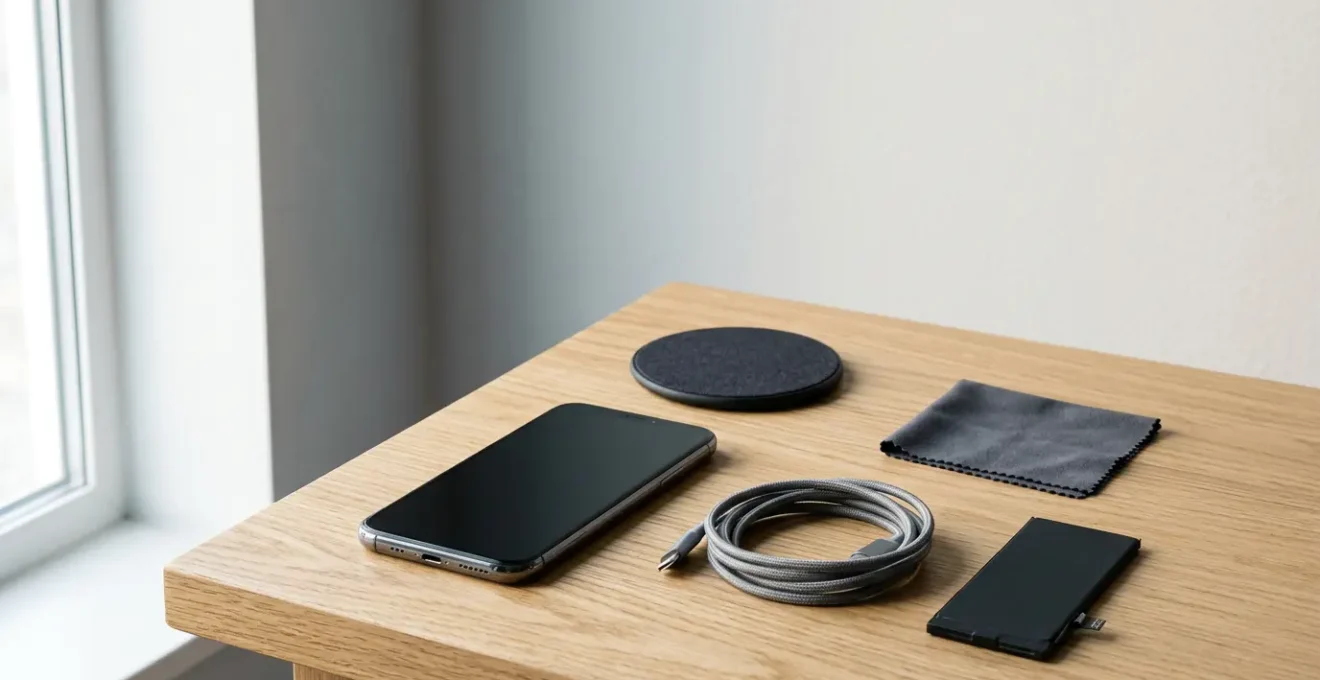
The secret to a long-lasting phone isn’t gentle use; it’s strategic warfare against its engineered failure points.
- Most “failures” are preventable issues like dust in the charging port or performance decay from full storage—not catastrophic damage.
- Heat is the silent killer of your phone’s processor and battery, aging it faster than any other single factor.
Recommendation: Shift your mindset from being a passive consumer to an active defender of your device by learning to identify and counteract its designed weaknesses.
We’ve all felt the frustration. The sleek, powerful smartphone that felt like magic just two years ago now feels sluggish, the battery barely makes it to lunchtime, and you’re constantly juggling files to free up space. The prevailing wisdom suggests a simple solution: upgrade. But this cycle of perpetual replacement isn’t just expensive; it’s a monumental environmental burden. We’re told to use a case and clear our cache, but these are merely tactical skirmishes in a much larger conflict.
The truth is, the slow decline of your device is often not an accident, but a result of specific, predictable, and often preventable issues. This is a battle against planned obsolescence, and you can win. But if the real key wasn’t just about being careful, but about understanding and outsmarting the very mechanisms designed to make your phone feel old? This guide moves beyond the generic tips to give you a strategic blueprint for fighting back.
We will dissect the most common engineered failure points—from the humble charging port to the complex behaviour of your flash storage. By understanding the ‘why’ behind the ‘what’, you can take targeted action to dramatically extend your phone’s usable life, saving money and reducing your environmental footprint. It’s time to reclaim your right to a device that lasts.
This article provides a detailed roadmap to achieving that 4-year lifespan. Below is a summary of the key areas we will deconstruct to empower you in the fight against premature obsolescence.
Summary: A Strategic Guide to Smartphone Longevity
- Why does your charging port fail before the screen and how to prevent it?
- How to offload data annually to keep the flash storage controller fast?
- Battery swap vs New Phone: which is the better financial choice at year 3?
- The dashboard habit that ages your phone’s processor by 2 years
- When is the right time to sell your old phone to maximize resale value?
- Why some phones are easier to open than others?
- Why does 500 cycles usually mean 80% health?
- Circular Economy Principles: How to Source Spare Parts to Fix Your Own Phone?
Why does your charging port fail before the screen and how to prevent it?
It’s one of the most common and infuriating failures: your phone refuses to charge, or you have to wiggle the cable just right. Before you blame the battery or a faulty cable, look at the port itself. The charging port is an Achilles’ heel of modern design—a mechanical component in an otherwise solid-state device, subject to thousands of cycles of physical stress, strain, and exposure. Unlike the screen, which is a static surface, the port is an open door to the outside world, inviting in its own demise in the form of dust, lint, and debris.
This isn’t just an anecdotal problem. It’s a systemic issue, with repair technicians reporting that for charging-related issues, blockages are the primary cause. In fact, a significant number of phones that fail automated charging tests are simply suffering from a clogged port. That “broken” phone might just be a dirty one. The tiny metal contact pins inside the port are delicate; when debris gets compacted by repeated cable insertions, it can prevent a solid connection or even cause a short circuit.
Preventing this engineered failure point requires a defensive strategy. It’s about treating the port not as a robust utility, but as the delicate gateway it is. Regular, gentle cleaning is the first line of defence. Adopting a “sacrificial component” strategy, such as using a high-quality magnetic charging cable, can transfer all the wear and tear from the phone’s irreplaceable port to the cheap, replaceable cable tip. Even shifting to wireless charging can save the port, though it introduces its own challenges with heat. Ultimately, simple habits like keeping your phone in a clean pocket, separate from keys and lint, can make a huge difference.
Your Action Plan: Fortifying the Charging Port
- Regular Cleaning: Use a soft dry brush (like a new, clean toothbrush) or a wooden/plastic toothpick to gently clear out the charging port monthly. Avoid metal tools that can bend or short the delicate internal pins.
- Implement a ‘Sacrificial Component’: Invest in a high-quality magnetic charging cable. A small magnetic tip stays in the port permanently, protecting it from dust and wear. The wear-and-tear is transferred to the cable itself, which is easily replaceable.
- Consider Wireless Charging: Using a wireless charger eliminates port wear entirely. However, be aware of the trade-off: wireless charging often generates more heat, which can accelerate battery degradation over time. Use it wisely.
- Practice Pocket Hygiene: Dedicate a “clean” pocket for your phone. Avoid placing it in the same pocket as keys, coins, or other items that generate lint and debris which can get compacted into the port.
How to offload data annually to keep the flash storage controller fast?
That feeling of your phone getting progressively slower isn’t just in your head; it’s a physical reality rooted in how its memory works. Your smartphone uses NAND flash storage, the same technology found in SSDs. While incredibly fast, it has a finite lifespan and a crucial weakness: its performance degrades as it fills up and wears out. Each memory cell on your phone’s storage chip can only be written to a limited number of times, and smartphone storage typically endures 1,000 to 3,000 write cycles before issues arise.
The real performance killer, however, is storage capacity. When your phone’s storage is more than 85-90% full, the storage controller—the traffic cop that manages data—has to work much harder. It has fewer empty blocks to write new data to, forcing it to constantly shuffle, erase, and rewrite existing blocks. This process, known as write amplification, not only slows down every task (from opening an app to taking a photo) but also accelerates the wear on the storage cells, shortening the device’s life. This is the primary mechanism of performance decay.

To combat this, you must think of your phone’s storage not as a bottomless digital drawer, but as a high-performance engine that needs breathing room. The solution is an annual data offloading ritual. This goes beyond simply “clearing the cache.” It involves a systematic transfer of non-essential, long-term data—like old photos, videos, and large app data—to an external source. This could be a computer, an external hard drive, or a cloud storage service. The goal is to consistently keep your phone’s internal storage below the 80% capacity threshold, giving the storage controller the free space it needs to operate at peak efficiency.
This isn’t just about cleaning; it’s a strategic maintenance procedure. By performing this annual “digital decluttering,” you directly combat performance decay, reduce wear on the flash memory, and keep your phone feeling snappy and responsive for years longer than intended.
Battery swap vs New Phone: which is the better financial choice at year 3?
Around the three-year mark, you’ll inevitably face the “economic tipping point” of smartphone ownership. Your phone’s original battery, which has served you well, is now a shadow of its former self. This is not a defect; it’s physics. As a general rule, lithium-ion smartphone batteries typically retain 80% capacity after 500 cycles. After three years of daily charging, you are well past this point, and the degraded capacity is likely the single biggest source of frustration with your device.
The industry’s default answer is “buy a new phone.” However, the advocate for sustainability and financial prudence asks a different question: Is it cheaper to replace the battery or the entire device? For most modern phones that are otherwise working perfectly, a battery replacement is almost always the more economically and environmentally sound decision. Replacing a battery can feel like getting a new phone for a fraction of the price, restoring its most critical performance metric: endurance.
The decision can be quantified. As a guiding principle, you should compare the cost of a quality battery replacement (whether from the official manufacturer or a reputable third-party shop) to the price of a comparable new or refurbished device. As the experts at CellularPort advise:
If the cost of battery replacement is less than 30% of a new phone’s price AND your phone is less than 3 years old, replacement is usually the better value.
– CellularPort, The Real Cost of Phone Battery Repair: What You Need to Know
This calculation empowers you to make a logical choice, not an emotional one driven by marketing. The table below breaks down the typical costs and decision points, helping you navigate this critical choice and resist the pressure to upgrade unnecessarily.
| Scenario | iPhone Cost | Android Cost | Decision Threshold | Best When… |
|---|---|---|---|---|
| Official Battery Replacement | $69-$99 (newer models) $49-$89 (older models) |
$40-$100 (Samsung/Google) $50-$100 (general) |
Cost < 30% of phone’s original price | Phone is less than 3 years old and performs well |
| Third-Party Replacement | $25-$80 | $25-$80 | Higher risk; may void warranty | Phone is out of warranty; budget is primary concern |
| DIY Kit Replacement | $20-$30 | $20-$30 | Risk of damage; voids warranty | Experienced users only; phone has low resale value |
| Buy New Phone | $400+ (mid-range) $800+ (flagship) |
$200+ (mid-range) $600+ (flagship) |
When repair cost > 40% of comparable phone price | Phone is 4+ years old; no OS updates; multiple issues beyond battery |
The dashboard habit that ages your phone’s processor by 2 years
There’s a silent killer for smartphones, and it’s not drops or spills. It’s heat. Of all the habits that prematurely age a device, one of the most destructive is regularly using your phone as a GPS or media player mounted on your car’s dashboard. This seemingly harmless convenience creates a perfect storm of thermal stress that can take years off your phone’s life. The combination of direct sunlight, a running screen, active GPS, and often, simultaneous charging, pushes the internal temperature to dangerous levels.
The most well-known victim of heat is the battery. As extensive environmental testing demonstrates that heat above 35°C degrades lithium-ion battery chemistry, permanently reducing its capacity. Every hour spent baking on the dashboard is an hour of irreversible damage. But the battery isn’t the only component suffering. The System-on-a-Chip (SoC)—your phone’s processor and brain—is also highly susceptible. To protect itself from overheating, the processor will “thermal throttle,” intentionally slowing down to reduce heat output. Ever notice your phone getting sluggish on a hot day or during a long navigation session? That’s thermal throttling in action.
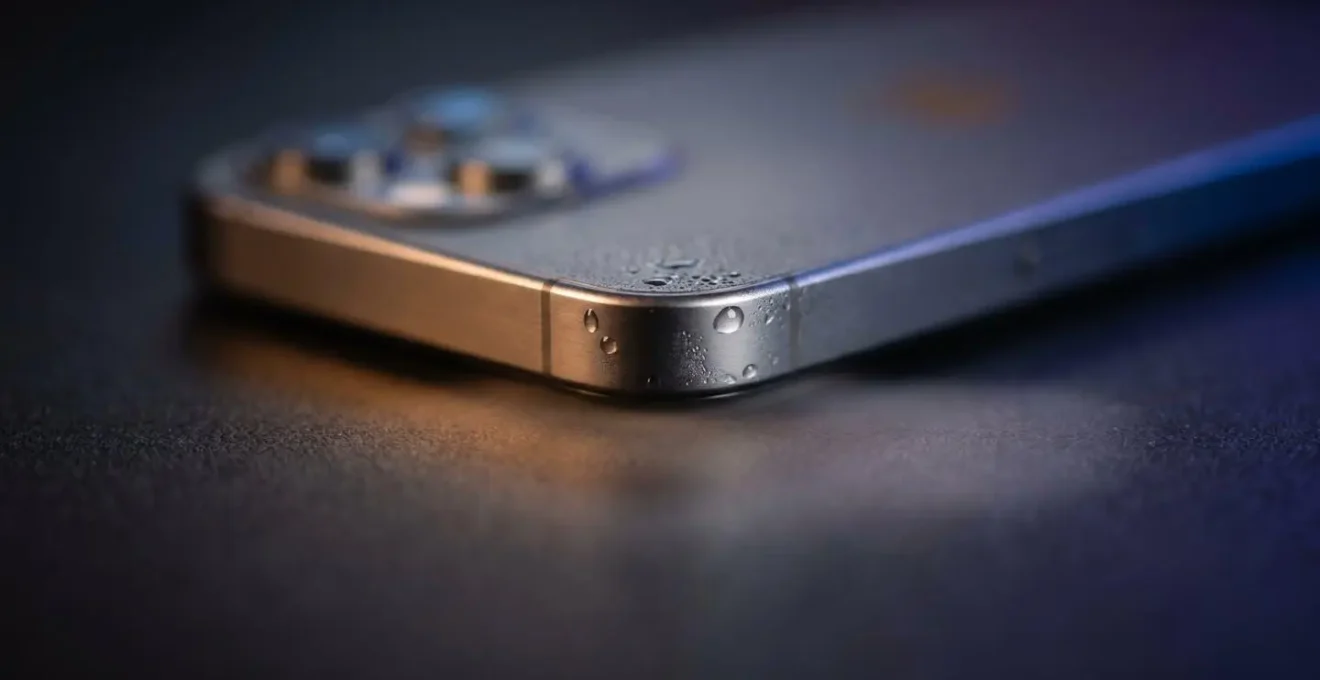
While throttling is a safety feature, repeated and prolonged exposure to high temperatures causes cumulative, long-term damage. The delicate silicon pathways inside the processor can degrade faster under constant thermal stress, leading to a permanent reduction in peak performance. The adhesives holding components in place can weaken, and even the screen’s longevity can be affected. Essentially, the “dashboard habit” is like running a marathon in a sauna every day; you’re forcing the components to operate in their worst-case scenario, accelerating their aging process significantly.
To fight this, you must become a master of thermal management. Use a vent mount instead of a dash or windshield mount to allow for airflow. If possible, avoid charging while navigating in direct sun. On very hot days, consider using an old, dedicated device for navigation, sparing your primary phone from this brutal punishment. Protecting your phone from heat is one of the most effective ways to preserve its performance and longevity.
When is the right time to sell your old phone to maximize resale value?
Extending your phone’s life is a victory for your wallet and the planet. But part of a truly sustainable lifecycle is knowing the optimal moment to pass the device on, ensuring it continues to be used rather than ending up in a drawer. This is asset maximization: treating your phone not as a disposable gadget but as an asset whose value must be managed. The goal is to sell it when its resale value is highest, funding a significant portion of your next device and fueling the circular economy.
The “sweet spot” for selling is typically just before the launch of its successor’s successor. For example, the best time to sell an iPhone 13 is right before the iPhone 15 is announced. At this point, the phone is still modern, receives the latest software updates, and is highly desirable on the second-hand market. Waiting longer causes a significant drop in value as new models are released and a new “tipping point” is reached where your phone is considered “old” by the market.
Case Study: iPhone vs. Android Depreciation
Market data consistently shows that iPhones retain their value far better than their Android counterparts. This is largely due to Apple’s long-term software support, with iOS updates provided for up to 7 years. In contrast, even premium Samsung models typically only receive 4 years of security updates. This extended support window for iPhones directly translates to a longer practical lifespan and, consequently, a higher resale value for older models. An iPhone that is 3-4 years old often commands a price similar to an Android device that is only 2 years old.
Maximizing resale value begins on day one. Keeping the original box and accessories, maintaining the phone’s physical condition, and following the longevity tips in this guide all contribute to a higher final price. When you choose to sell, you’re not just getting cash back; you’re playing a crucial role in reducing e-waste. By providing a high-quality used device to the market, you prevent another new phone from being manufactured. In fact, studies show that extending smartphone use by just one year cuts its lifetime CO2 emissions by one-third. Selling your phone at the right time is the ultimate win-win: it’s a smart financial move and a powerful environmental act.
Why some phones are easier to open than others?
The ease—or extreme difficulty—of opening a smartphone is not an accident. It is a deliberate design choice that sits at the very heart of the battle over planned obsolescence and the right to repair. A phone that is easy to open is a phone that is designed to be repaired, to have its battery swapped, and to live a long, serviceable life. A phone sealed shut with copious amounts of strong adhesive and proprietary screws is designed to be a disposable black box, pushing you towards a costly official repair or, more likely, a complete replacement.
Manufacturers often claim that sealed, compact designs are necessary for water resistance and sleekness. While there is some truth to this, these features are frequently used to justify designs that are actively hostile to repair. The use of non-standard pentalobe or tri-point screws, fragile ribbon cables placed in harm’s way, and displays glued directly to the chassis are all tactics that raise the cost and risk of repair, discouraging even professional third-party shops. This trend contributes directly to a throwaway culture where the recent industry trends show the average replacement cycle has become shorter than two years.
However, a different path is possible, as demonstrated by pioneers in sustainable technology. These companies prove that durability, repairability, and modern performance can coexist.
Case Study: The Fairphone Modular Design Philosophy
Fairphone stands as a powerful counter-example to the industry’s disposable trend. The Fairphone 5, for instance, is designed from the ground up for longevity, guaranteeing an unprecedented 8 years of software support. Its modular architecture allows users to replace key components like the battery, screen, cameras, and charging port with nothing more than a standard screwdriver. This philosophy has a proven track record: the Fairphone 2 received 7 years of software support, and the Fairphone 3 even received a physical camera hardware upgrade that users could install themselves a year after launch. This is the antithesis of planned obsolescence.
The difference between a Fairphone and a glued-shut flagship isn’t technology; it’s philosophy. One is designed for the user, the other for the manufacturer’s bottom line. As a conscious consumer, looking up repairability scores from sources like iFixit before a purchase is a powerful act. Choosing devices that are designed to be opened is a vote for a more sustainable, repairable future.
Why does 500 cycles usually mean 80% health?
The “80% health after 500 cycles” figure is the foundational rule of lithium-ion battery aging. It’s not an arbitrary number but a standard industry benchmark representing the predictable chemical decay inside your phone’s power source. To understand it, you must first understand what a “charge cycle” truly is. It’s not just one plug-in event. A charge cycle is counted every time you’ve used a cumulative 100% of your battery’s capacity.
For example, if you use 75% of your battery one day, recharge to full, and then use 25% the next day, you have completed one full charge cycle (75 + 25 = 100). Every time this cycle completes, an irreversible chemical reaction takes place. Lithium ions, which move back and forth to store and release energy, begin to get trapped, forming a layer of “dead” material (Solid Electrolyte Interphase). This buildup physically reduces the battery’s ability to hold a charge. After approximately 500 of these full 100% discharge cycles, the buildup is significant enough that the battery can only hold about 80% of its original capacity. This is the point where you really start to notice the decline in daily endurance.
This knowledge is power because it reveals the secret to extending battery life: reducing the number of full cycles. The most stressful parts of a charge cycle for a battery are being at 100% (high voltage stress) and dropping below 20% (high depth of discharge stress). This is why the famous “20-80 rule” is so effective. By keeping your battery’s charge level within this Goldilocks zone as much as possible, you avoid the most damaging parts of the cycle. Charging from 30% to 80% puts far less strain on the battery than charging from 5% to 100%.
You aren’t using fewer charge cycles, but you are performing “shallower” cycles, which cause significantly less degradation. You are essentially “spending” your battery’s finite 500-cycle budget more slowly. While it’s not practical to adhere to this rule 100% of the time, adopting it as a general habit can dramatically slow the chemical aging process, keeping your battery above that critical 80% health threshold for much longer and pushing the need for a battery replacement further into the future.
Key Takeaways
- Defence is the Best Offence: Proactive, physical maintenance of your phone’s weakest points, like the charging port and managing heat exposure, is the single most effective way to prevent premature failure.
- Performance is a Resource: Your phone’s speed is directly tied to its storage health. Keeping storage below 80% capacity is not just cleaning; it’s a critical performance-preserving procedure.
- Repair is a Financial Strategy: In the face of a degrading battery or a single broken component, a calculated repair is almost always the smarter economic and ecological choice over a knee-jerk upgrade.
Circular Economy Principles: How to Source Spare Parts to Fix Your Own Phone?
You’ve diagnosed the problem. You’ve decided to fight back against planned obsolescence and repair your device. This is the moment you graduate from a consumer to a participant in the circular economy. Sourcing the right spare parts is the critical next step, a journey that requires a bit of knowledge to navigate successfully. The good news is that the components of your phone are immensely valuable and, contrary to what you might think, highly recyclable. Material analysis shows that nearly 80% of a cell phone is recyclable, meaning the parts you need are out there.
However, not all parts are created equal. The spare parts market is a vast ecosystem ranging from premium manufacturer-grade components to cheap, unreliable knock-offs. Your success depends on understanding the “Hierarchy of Trust” when sourcing. The highest tier is always Original Equipment Manufacturer (OEM) parts, sourced directly from the brand or its authorized service providers. These offer guaranteed compatibility and quality but come at the highest price. They are the best choice for a newer, high-value device.
One tier down, you’ll find reputable third-party stores like iFixit, which have built a business on vetting and selling high-quality aftermarket or refurbished parts, often with warranties and excellent guides. This is often the sweet spot for balancing cost and quality. For the more adventurous and technically skilled, harvesting parts from “donor phones”—devices that are broken in a different way (e.g., a phone with a cracked screen but a good motherboard)—can be a very cost-effective strategy. The final, riskiest tier involves buying directly from international marketplaces. While the prices are low, quality is a lottery. This path is only for experienced repairers who can assess part quality and are willing to risk incompatibility.
Your Action Plan: The Hierarchy of Trust for Sourcing Parts
- Tier 1 – OEM (Original Equipment Manufacturer): Seek parts from the official manufacturer for the highest quality and compatibility. This preserves warranty and resale value and is recommended for flagship devices under 2 years old.
- Tier 2 – Reputable Third-Party Stores: Use trusted suppliers (e.g., iFixit, regional repair specialists) for vetted, high-quality aftermarket or refurbished parts. This offers a great balance of quality and cost, often with warranties.
- Tier 3 – ‘Donor Phones’: Purchase non-functional devices (e.g., ‘iCloud Locked’ or ‘Cracked Screen’) to harvest working components. This requires technical knowledge to identify compatibility and extract parts safely.
- Tier 4 – Direct from International Suppliers: Use marketplaces like AliExpress for the lowest cost, but be aware of the highest risk. Quality varies dramatically, making this suitable only for experienced repairers who can assess part quality and accept potential incompatibility.
By understanding these principles and taking these strategic actions, you are no longer a passive victim of the upgrade cycle. You are an informed, empowered owner, capable of making your technology last, saving significant money, and making a real contribution to a more sustainable world. Your next step is to choose one area—perhaps cleaning your charging port today or planning a data offload this weekend—and begin your journey to mastering the 4-year phone.